
Best CRM Software for Cold Calling can completely change the way your sales team works. Cold calling is not dead. It still works. But if you are doing it without a good CRM, you are making your job ten times harder than it needs to be.
Most salespeople waste a huge chunk of their day just trying to figure out who to call next, what was said in the last conversation, and whether the prospect even picked up the phone. This is where a CRM steps in and changes the whole game.
Let us break this down properly.
What Is Cold Calling, Really?
Cold calling simply means calling someone who has not asked you to call them. You are reaching out to a potential customer for the first time, hoping to start a conversation that eventually leads to a sale.
It sounds simple. But anyone who has done it knows how messy it gets, especially when you are managing hundreds of contacts at the same time.
You need to track who you called, when you called, what they said, whether they asked you to follow up, and so on. Doing all of this in your head or on an Excel sheet is a recipe for disaster.
Why CRM Software Makes Cold Calling So Much Better
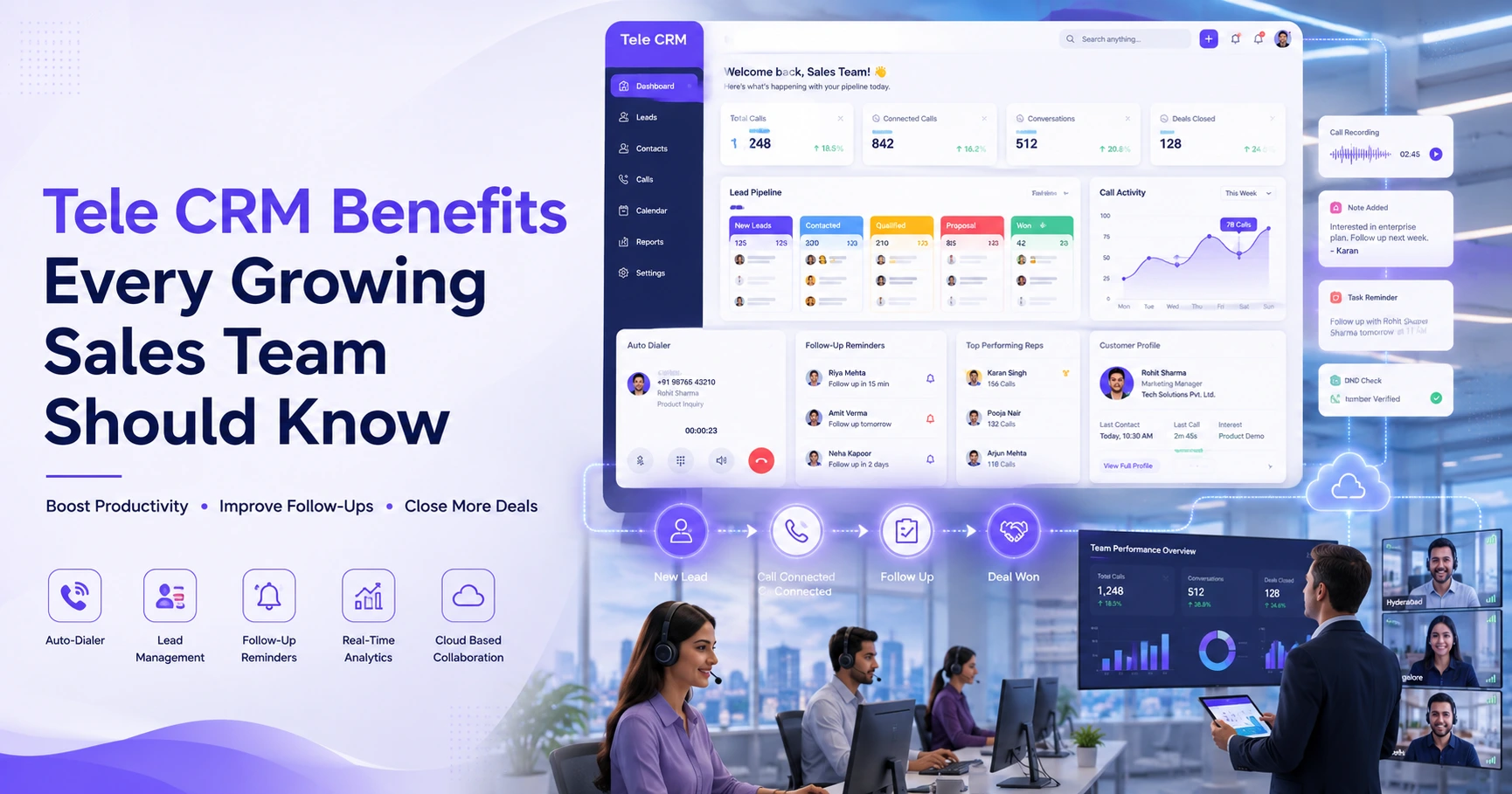
A CRM, which stands for Customer Relationship Management software, keeps all your contact information, call history, and follow-up tasks in one place. Instead of juggling between spreadsheets, sticky notes, and your memory, everything is right there on your screen.
Here is what a good CRM actually does for your cold calling process:
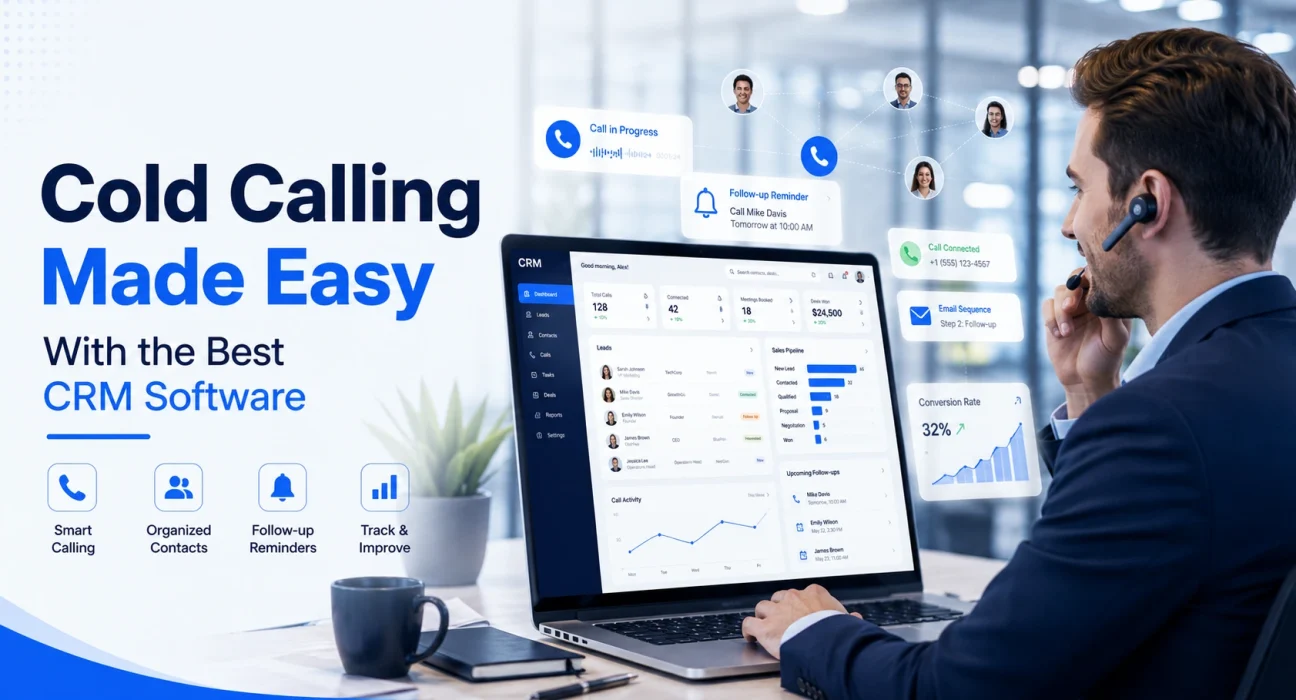
- It keeps your contact list organised. You can store names, phone numbers, company details, and any notes from previous conversations. No more searching through old emails to remember what you discussed.
- It reminds you to follow up. Set a reminder after every call and the CRM will ping you when it is time to reach out again. You will never let a hot lead go cold just because you forgot to call back.
- It tracks your call activity. You can see how many calls you made in a day, how many connected, how many led to a meeting. This data helps you understand what is working and what is not.
- It gives you call scripts and email templates. Many CRM tools let you save scripts so your team sounds consistent and professional on every call.
- It integrates with your phone or dialer. Some CRMs have built-in calling features so you can dial directly from the software and the call gets logged automatically. No manual entry needed.
What to Look for in a CRM for Cold Calling
Not every CRM is built for sales teams that are heavy on outbound calling. Some are more suited for support teams or inbound marketing. So before you pick one, here is what matters most for cold calling:
- Easy contact management. You should be able to import a list of contacts quickly and start calling without spending an hour setting things up.
- Built-in calling or dialer integration. If you have to switch between your CRM and your phone constantly, you will lose time and focus. Look for something that connects both.
- Call logging and notes. After every call, you need to jot down what happened. The CRM should make this fast, not painful.
- Pipeline visibility. You want to see where each prospect stands in your sales process. Is this the first call? Have they shown interest? Are they close to a decision?
- Automation for follow-ups. The ability to set automatic follow-up reminders or email sequences saves a lot of time, especially when you are managing a large list.
- Reporting. Good call volume reports, connection rates, and conversion data help you coach your team and improve results over time.
Common Problems Cold Callers Face Without a CRM
You might be thinking, “I have been managing fine without one.” But here are some situations that sound very familiar to most sales teams:
You call someone twice in the same week because you forgot you already spoke to them. They get annoyed and the deal is gone.
A prospect told your colleague they are ready to buy, but nobody updated the shared sheet. So you call them with a pitch they have already heard and they lose interest.
Your best salesperson leaves the company. All their notes and contact history are in their personal notebook or their head. You start from zero.
A CRM solves all of these problems cleanly.
Tips to Get the Most Out of Your CRM During Cold Calls
Having a CRM is one thing. Using it well is another. Here are some simple habits that make a real difference:
- Log every call, even the short ones. Even if someone hung up in ten seconds, log it. This helps you avoid calling them again too soon.
- Add notes right after the call ends. Memory fades fast. Write down what the person said, their main concern, and what you agreed on before you move to the next call.
- Use the CRM to prioritise your list. Not all leads are equal. Some are warm, some are cold, some are not a good fit at all. Your CRM should help you focus on the ones with the best chance of converting.
- Review your call data every week. Look at your numbers. If your connection rate is low, maybe you are calling at the wrong time. If your conversion from call to meeting is low, maybe your opening line needs work.
- Keep your data clean. Remove contacts who clearly are not interested, update details when they change, and make sure your pipeline reflects reality.
How CRM Software Helps Your Whole Team, Not Just You
If you are a sales manager, a CRM gives you something very valuable: visibility. You can see what each team member is doing, how many calls they are making, and where deals are getting stuck.
You do not need to ask for daily updates or sit in long meetings to understand the health of your pipeline. It is all there in the dashboard.
You can also spot patterns. Maybe one salesperson closes way more deals after the second follow-up call. That is something you can teach the rest of the team.
For smaller teams or solo founders, a CRM still helps because it gives you structure. When you are wearing many hats, you need something that keeps your sales work organised without requiring too much effort.
Does CRM Software Work for Small Businesses Too?
Absolutely. In fact, small businesses benefit even more because they have fewer resources. One missed follow-up can mean losing a significant chunk of revenue.
Many good CRM tools have free plans or affordable pricing that works well for teams of two or three people, all the way up to large enterprises. You do not need a big budget to get started.
The key is to start simple. Use the basic features first, get comfortable, and then explore the more advanced automations once you are used to the workflow.
Conclusion
Cold calling does not have to feel like a chaotic, stressful activity. With the right CRM in place, it becomes a structured, trackable, and actually manageable part of your sales day.
You know who to call. You know what was said before. You know when to follow up. And you have the data to keep improving.
If your team is still cold calling without any proper system, the first step is to find the right tool. To help you with that, check out our detailed guide on the best CRM for cold calling where we have compared the top options based on features, pricing, and ease of use so you can pick what fits your team best.
The right CRM will not make you a better salesperson overnight, but it will make sure that the effort you are already putting in actually leads somewhere.