How to Manage Field Workforce Compliance and Digital Records
Field workforce compliance means making sure employees who work outside the office follow your company policies, client contracts and applicable laws, and that you can prove it. The hard part is evidence. When your team is spread across cities, a visit that “happened” is only as reliable as the paper, WhatsApp message or spreadsheet entry that says so.
This guide explains what field compliance covers, where it usually breaks down, and how to build digital records you can trust in an audit or a client dispute. It also shows where field workforce compliance software fits in.
What Is Field Workforce Compliance?
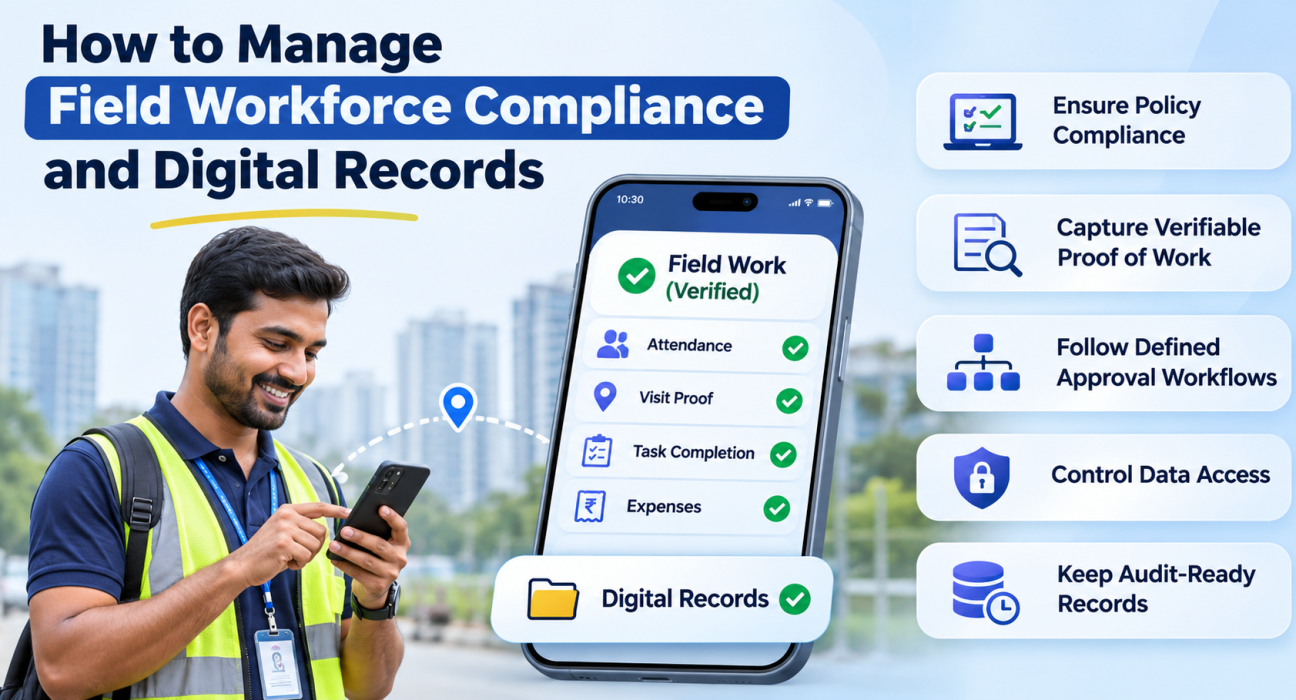
Field workforce compliance is the practice of making sure off-site employees follow internal policies, customer commitments and legal requirements, and keeping verifiable records of that work.
It usually covers five areas:
- Attendance and working hours: Did the employee actually start the day where and when they said?
- Visit and job execution: Did the visit happen, and was the checklist followed?
- Service commitments: Were SLAs and turnaround times met?
- Financial discipline: Are expenses and collections backed by receipts and approvals?
- Data and access control: Who can see or change field data?
Compliance and record-keeping are two sides of the same job. A policy you cannot evidence is a policy you cannot defend.
Why Field Compliance Breaks Down
Office compliance is easier because supervisors can see the work. Field teams create three structural gaps.
1. No direct supervision
Managers cannot confirm a visit by walking past a desk. They rely on what reps report, which makes attendance padding and “ghost visits” hard to catch.
2. Fragmented records
Attendance sits in one sheet, visit notes in chat groups, receipts in a drawer and customer sign-offs on paper. When an auditor or client asks for evidence, someone has to stitch it together by hand.
3. After-the-fact data entry
Records typed up at the end of the day or week depend on memory. They are easy to get wrong and difficult to verify.
The cost shows up as disputed invoices, missed SLA penalties, expense leakage and weak audit outcomes. These are plausible consequences of weak records, not figures we can quantify for your business.
The Regulatory Side: What to Verify for Your Business
Requirements vary by industry, state and contract. Most Indian field teams should check at least these areas:
- Labour and employment rules that govern working hours, wages, leave and attendance registers. India’s labour laws have been consolidated into new labour codes, so confirm current obligations for your setup.
- The Information Technology Act, 2000, which gives legal recognition to electronic records.
- The Digital Personal Data Protection Act, 2023, which affects how you collect and use employee and customer data, including location data.
- Client and sector requirements. Banks, insurers, pharma companies and large retailers often impose their own audit and evidence standards on vendors.
This is general information, not legal advice. Check specifics with your legal or HR advisor and the official text of each law.
How to Manage Field Workforce Compliance: 6 Steps
- Write down your field policies. Define attendance rules, visit standards, expense limits, approval levels and SLA targets in plain language.
- Decide what counts as proof. For each activity, specify the evidence: a GPS-stamped punch-in, a photo, a customer signature, an OTP, a completed checklist or a receipt.
- Capture records at the moment of work. Reps record evidence on site, not at night from memory.
- Route approvals through a defined workflow. Expenses, leave and exceptions should follow set approval levels, not ad hoc messages.
- Control access. Give each role only the data it needs, and log who changes what.
- Review and retain records. Track compliance exceptions regularly, and keep records for as long as your legal and contractual obligations require.
What Good Digital Records Look Like
Digital records only help if they are trustworthy. Compare the two approaches:
| Area | Manual records | Digital field records |
|---|---|---|
| Attendance | Self-reported, entered later | Punch-in stamped with server time and location |
| Visit proof | Verbal confirmation or notes | Photo, signature or OTP captured on site |
| Task completion | Free-text updates | Guided checklists with required fields |
| Expenses | Paper receipts, spreadsheet claims | Receipt-backed claims with approval trail |
| Audit readiness | Manual compilation | Searchable, time-stamped history |
| Access control | Shared files and chat groups | Role-based access and action logs |
Three qualities make a record audit-ready:
- Time-stamped: you know when it was created.
- Attributable: you know who created it.
- Tamper-resistant: it cannot be quietly rewritten after the fact.
How Field Workforce Compliance Software Helps
Field workforce compliance software captures proof of work, enforces policy rules and stores time-stamped records in one place, so compliance does not depend on manual reporting.
Here is what to look for.
Verified attendance
Look for punch-ins stamped with server time rather than the phone’s clock, plus geofencing and detection of fake GPS locations. This closes the most common loophole in field attendance.
Proof of visit and proof of work
The system should require evidence, such as a photo, signature or OTP, before a job can be closed. That gives you proof of presence (where the rep was) and proof of work (what they did).
Custom forms and checklists
Compliance is rarely one-size-fits-all. A pharma rep, a field engineer and a collection agent record different things. Configurable forms and checklists let you capture exactly what your policy and clients require.
SLA tracking
Timers and escalation rules make service commitments visible before they are breached, not after.
Expense and approval workflows
Receipt-backed claims with multi-level approval keep reimbursements consistent with policy and leave a clear trail.
Offline capture
Field work often happens with poor connectivity. Records should be created on site and sync once the network returns, so evidence is not lost or reconstructed later.
Role-based access and audit logs
Role-based permissions limit who sees what, and an action log shows who did what and when.
Where FieldExecutives Fits
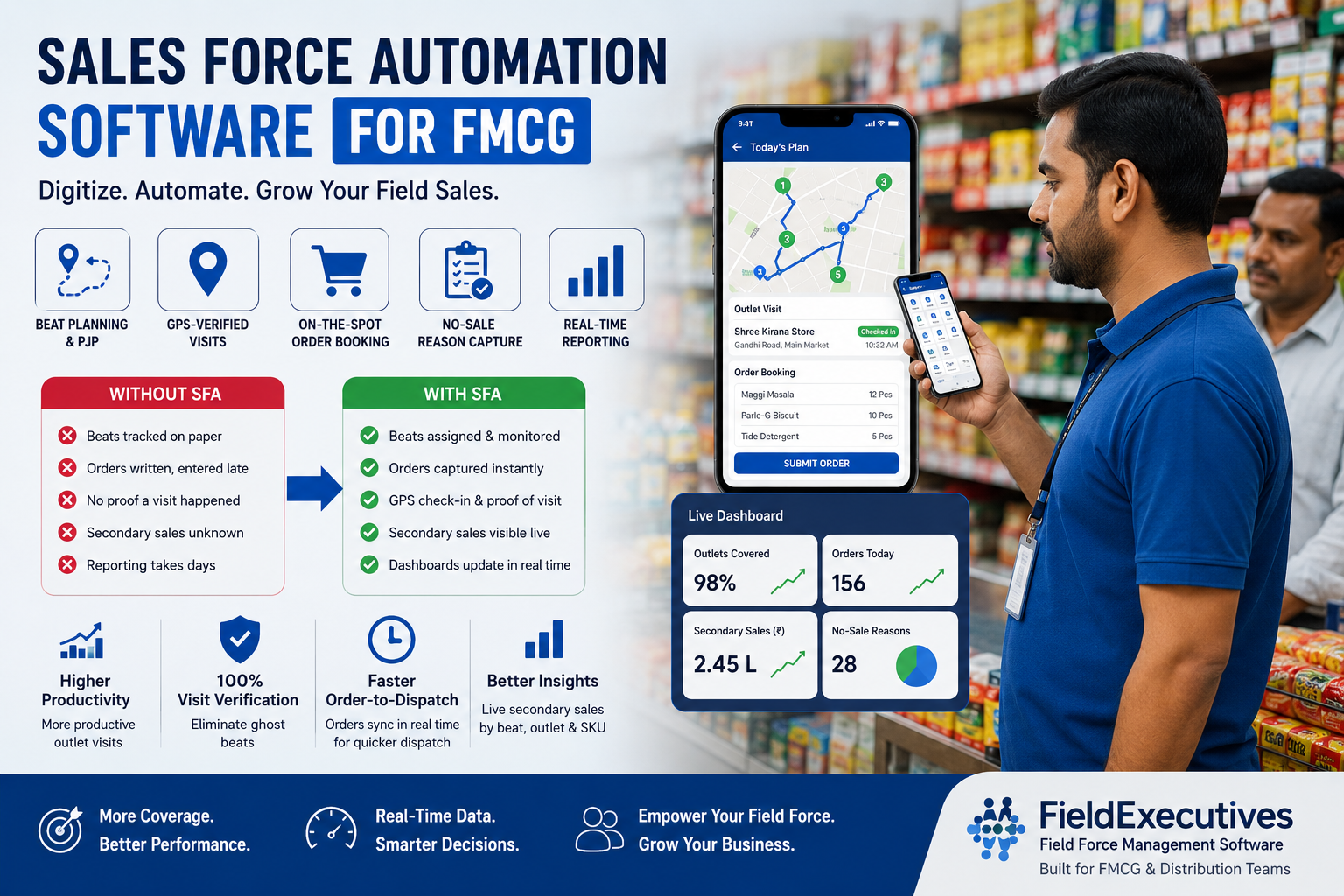
Businesses looking to simplify these processes can use field force management software such as FieldExecutives, which brings the compliance controls above into one platform for field teams.
Based on the product’s published features, FieldExecutives supports:
- Attendance verification: server-time punch-ins, geofence enforcement and mock-location detection.
- Proof capture: photo, signature and OTP evidence, with guided checklists and SLA timers.
- Custom forms and workflows: drag-and-drop forms, job types, approvals and SLAs configured without code.
- Expenses and collections: receipt-backed claims with two-level approval, and collections tracked through to settlement.
- Offline-first mobile app: work continues without network and syncs later.
- Access and audit controls: company-level data separation, role-based access control and a logged history of actions.
- Integrations: API connections to CRM, ERP, accounting and HR systems.
It runs as a mobile app for field staff, a web console for managers and an admin portal for owners, all on the same live data. Teams in logistics, pharma, FMCG, field service, banking and collections, telecom and facility management are among its target users.
Software supports compliance but does not replace your policies. It records what happened and enforces the rules you configure. Your legal and HR teams still decide what those rules should be.
Best Practices for Audit-Ready Field Records
- Standardize evidence by job type. A delivery, a service call and a collection each need their own minimum proof.
- Make proof mandatory, not optional. If a job can be closed without evidence, some will be.
- Review exceptions, not everything. Focus managers on late punch-ins, skipped checklists and SLA breaches.
- Be transparent about location tracking. Tell employees what is tracked, when and why, and limit tracking to working hours. This supports trust and data-protection obligations.
- Set a retention approach. Define how long each record type is kept and who can access archived data.
- Run periodic mock audits. Pick a random visit and try to prove it from the system alone.
Choosing Field Workforce Compliance Software: A Quick Checklist
Ask each vendor:
- Is attendance verified by server time, geofence and spoof detection?
- Can I make proof capture mandatory before a job closes?
- Can I build forms and workflows for my industry without developers?
- Does it keep an action log and support role-based access?
- Does it work offline?
- Can it integrate with the HR, CRM or ERP tools I already use?
- Is pricing transparent and does it scale with my team?
Conclusion
Field compliance fails when evidence is created after the fact, scattered across tools and impossible to verify. Fixing it means defining your policies, deciding what counts as proof, capturing records at the moment of work and controlling who can see them.
Field workforce compliance software makes that practical by turning attendance, visits, expenses and approvals into time-stamped digital records. If your team is currently running on spreadsheets and chat groups, start with one workflow, such as attendance or proof of visit, and expand from there.