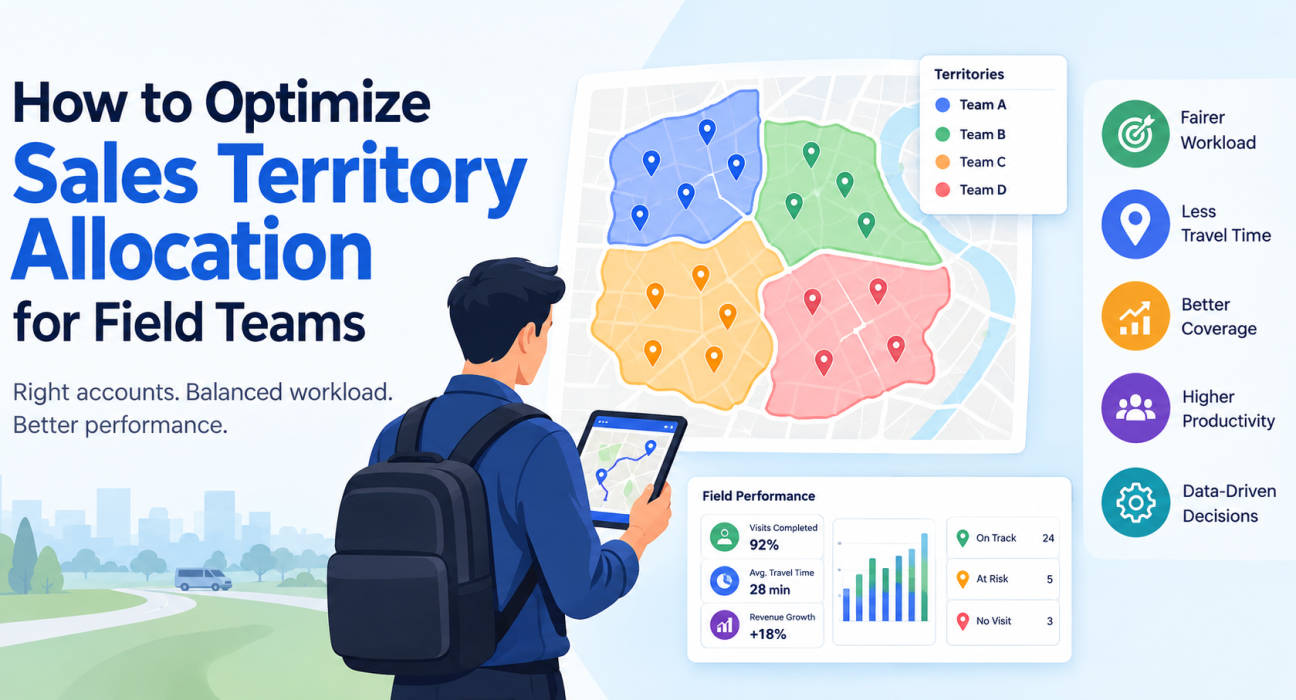
How to Optimize Sales Territory Allocation for Field Teams
Two reps on the same team can have very different months. One drives 40 minutes between customers, and the other has five accounts within a kilometre. When that happens, the cause is usually territory design, not effort or talent.
Sales territory management software helps you fix this. It gives you the data to divide accounts fairly, plan coverage, and check whether the plan holds up in the field. This guide covers what territory allocation involves, a step-by-step method, the mistakes to avoid, and how software supports each step.
What Is Sales Territory Allocation?
Sales territory allocation is the process of dividing customers, prospects, and geographic areas among sales reps so that every account is covered and every rep has a fair, achievable workload.
A territory can be defined by:
- Geography: pin codes, cities, districts, or zones
- Account type: distributors, retailers, doctors, dealers, or institutions
- Potential: high-value accounts grouped separately from low-volume ones
- A mix of these: for example, retailers in one zone plus the top 20 distributors in the city
For field teams the stakes are higher than for inside sales. Every poorly drawn boundary becomes kilometres driven, visits missed, and customers who go uncovered.
Why Territory Allocation Matters for Field Teams
Unbalanced territories cause problems that are easy to blame on people:
- Wasted travel time. Reps cross each other’s routes or backtrack across zones.
- Uneven performance. Reps with rich territories look like stars, while reps with sparse ones look like underperformers.
- Coverage gaps. Accounts that fall between territories get visited rarely or never.
- Rep frustration. Targets that ignore territory potential are a common reason for attrition.
- Unreliable data. If territories aren’t comparable, you can’t tell whether a result reflects the rep or the territory.
Good allocation makes performance comparable and coaching fairer. It also gives you a clean baseline for setting targets.
How to Optimize Sales Territory Allocation: 7 Steps
- Define your goals and coverage rules.
- Consolidate your account data.
- Score account potential.
- Estimate workload per account.
- Draw balanced territories.
- Assign reps and set visit frequency.
- Monitor, then realign on a schedule.
Step 1: Define Your Goals and Coverage Rules
Start with what the allocation must achieve. Common goals are higher coverage of key accounts, lower travel time, or faster growth in under-served areas.
Write down your coverage rules too. For example, “A-class accounts are visited weekly, B-class fortnightly, C-class monthly.” These rules drive everything that follows.
Step 2: Consolidate Your Account Data
You can’t divide what you can’t see. Gather every customer and prospect with its location, type, current revenue, visit history, and owner.
Spreadsheets break down at this stage. Duplicate records, outdated addresses, and missing owners lead directly to overlapping or orphaned accounts.
Step 3: Score Account Potential
Not all accounts deserve the same effort. Classify them using criteria that fit your business, such as:
- Current and historical revenue
- Estimated future potential
- Strategic importance
- Collection or payment behaviour
A simple A/B/C classification is enough to start. Refine it as your data improves.
Step 4: Estimate Workload per Account
Workload is more than the number of accounts. Multiply the visit frequency from your coverage rules by the realistic time per visit and the travel time between stops.
| Factor | Why it matters |
|---|---|
| Visit frequency | A-class accounts need more visits than C-class ones |
| Time per visit | A dealer review takes longer than a quick stock check |
| Travel distance | Dense areas allow more visits per day than scattered ones |
| Non-selling work | Collections, reporting, and admin consume capacity |
This step shows that “50 accounts” in a city and “50 accounts” across rural districts are very different jobs.
Step 5: Draw Balanced Territories
Group accounts so each territory has a similar workload and a similar mix of potential. Aim for balance on workload and opportunity, not on account count alone.
Some practical rules:
- Keep territories geographically compact to limit backtracking.
- Respect natural boundaries such as highways, rivers, and city zones.
- Avoid splitting a single customer’s multiple outlets across reps unless there is a clear reason.
- Leave some capacity for new accounts and follow-ups.
Step 6: Assign Reps and Set Visit Frequency
Match reps to territories using experience, language, and existing customer relationships where it makes sense. Then convert the coverage rules into a concrete visit plan, usually a beat plan with a defined set of accounts per day or week.
Make sure each rep understands the logic. Reps accept territory changes more readily when they can see the workload reasoning behind them.
Step 7: Monitor, Then Realign on a Schedule
A territory plan that is never reviewed becomes outdated as customers move, new accounts open, and reps leave. Review on a fixed schedule, such as quarterly, and track:
- Visit completion against plan
- Travel time per rep
- Revenue and growth per territory
- Accounts with no visit in the planned period
Change territories when the data shows imbalance, not whenever someone complains.
Common Territory Allocation Mistakes
- Allocating by account count only. Equal numbers can hide very different workloads.
- Ignoring travel time. A map that looks tidy can still mean long, inefficient routes.
- Treating historical sales as the whole picture. Past revenue shows where you’ve sold, not where the opportunity is.
- Redrawing too often. Constant changes damage customer relationships and reps’ trust.
- Never redrawing. Stale territories lock in yesterday’s imbalance.
- No visibility after allocation. Without visit data, you can’t tell whether the design works.
What Does Sales Territory Management Software Do?
Sales territory management software helps businesses organize accounts and reps into territories, plan coverage, and track whether field visits happen as planned.
The exact feature set varies by product. For field teams, the capabilities that matter most are:
| Capability | How it supports territory allocation |
|---|---|
| Account and customer records | One reliable source for locations, owners, and visit history |
| Beat and route planning | Turns a territory into a practical daily visit plan |
| Live location and visit tracking | Shows whether coverage matches the plan |
| Geofenced attendance and proof of visit | Confirms reps actually reached the customer |
| KPIs and reporting | Compares territories on visits, outcomes, and productivity |
| Hierarchies and roles | Lets managers see their own team’s territories |
The main benefit is a feedback loop. You design territories, execute them, and measure what happened. That makes the next adjustment evidence-based.
How to Choose Sales Territory Management Software
Ask these questions when you evaluate options:
- Does it support your way of defining territories, such as geography, account type, or both?
- Can it turn territories into beat plans and routes your reps can follow?
- Does it work offline, since field connectivity is unreliable?
- Can you verify visits with GPS, geofencing, or proof capture?
- Are reports usable by managers, not just analysts?
- Can it integrate with your existing CRM or ERP?
- Is it easy enough that reps will actually use it?
Treat a long feature list with caution. The tool that fits your workflow and gets adopted by reps will outperform the one with the most features.
How FieldExecutives Supports Territory-Based Field Operations
Businesses looking to put territory plans into practice can use field force management software such as FieldExecutives. It handles the execution and monitoring side of territory management.
Based on the FieldExecutives website, the relevant capabilities include:
- Live map and GPS tracking of reps, with a GPS trail of where they went
- Geofenced, server-time attendance with mock-location detection
- AI-based beat plan and route optimisation, with distance and ETA per stop
- Proof of visit through photo, signature, and OTP capture
- Task assignment with checklists, priorities, and SLA timers
- Custom forms and workflows configurable without code
- KPIs, leaderboards, and reports for managers
- Roles and hierarchy controls in the admin portal
- Offline-first mobile app that syncs when the rep reconnects
FieldExecutives states that AI-optimised beat plans can reduce travel time by 20–30%. The company notes these figures are illustrative, not guaranteed, so validate them against your own operations during a trial.
In practice, this means a manager can compare planned visits with completed visits per territory. They can spot reps who are under-loaded or stretched, and use real visit data when rebalancing.
A Practical Example
Imagine a distributor with two reps covering one city. Rep A has 60 accounts clustered in one zone. Rep B has 45 accounts spread across three zones, so she spends hours travelling.
By equal account count, Rep A looks heavily loaded. By actual workload, Rep B’s territory demands more time on the road and less selling.
After reviewing visit and travel data, the manager moves a cluster of accounts from Rep B’s outer zone into a neighbouring territory. Rep B’s route tightens, and both reps now have a comparable workload. This is an illustrative scenario, not a customer case study, but it shows why workload and travel data matter more than headcount.
Conclusion
Optimizing sales territory allocation comes down to a repeatable process: define coverage goals, clean your account data, score potential, estimate real workload, draw compact territories, and review them on a schedule. Territories built on workload and potential, rather than guesswork, make performance comparable and coaching fairer.