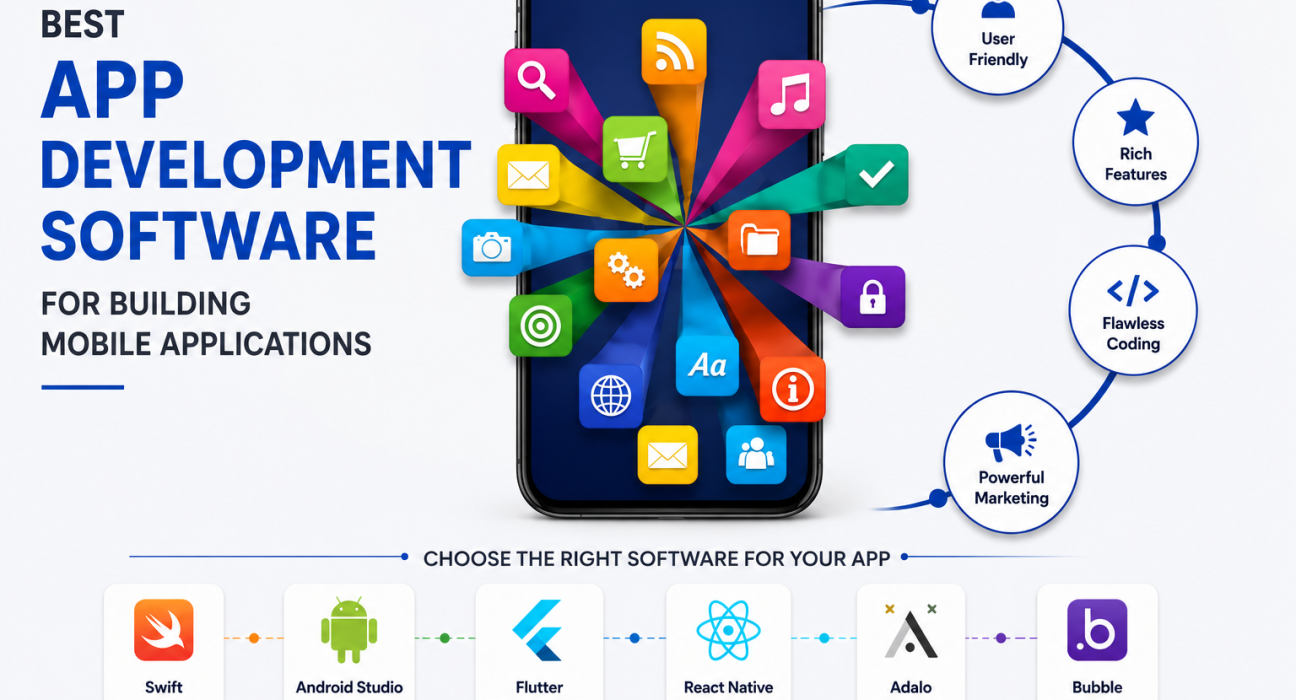
If you’re planning to build a mobile app, one of the first questions you’ll run into is which development software actually makes sense for your project. With dozens of frameworks, no-code builders, and IDEs competing for attention, it’s easy to get stuck comparing feature lists instead of making a decision.
There isn’t a single “best app development software” that works for every business. The right choice depends on your budget, technical skills, target platforms, and how complex your app needs to be. This guide breaks down the main categories of app development software, compares the leading tools in each, and helps you figure out which option fits your specific situation.
By the end, you’ll know exactly what to look for – and if you decide you’d rather hand the work to a professional team, you’ll also understand how to evaluate a mobile app development partner.
Quick Answer: What’s the Best App Development Software?
For most businesses, the best app development software depends on three factors: your budget, your team’s technical skill level, and whether you need a native, cross-platform, or no-code solution.
- Cross-platform apps with native performance: Flutter and React Native are the top choices.
- Fully native iOS or Android apps: Xcode (Swift) and Android Studio (Kotlin) are the industry standards.
- Non-technical founders and quick MVPs: No-code platforms like Bubble, Adalo, or FlutterFlow let you build without writing code.
- Enterprise-grade apps with complex integrations: custom development using a professional mobile app development company is often the more reliable path.
The sections below explain each category in more detail so you can match the software to your project.
How to Choose App Development Software: Key Factors to Consider
Before comparing specific tools, it helps to understand what actually determines the “best” fit for your project.
1. Your Target Platform
Are you building for iOS, Android, or both? Native tools are platform-specific, while cross-platform frameworks let you write one codebase for multiple platforms.
2. Your Team’s Technical Skills
Do you have in-house developers, or are you a non-technical founder? This single factor often narrows the decision more than anything else.
3. Budget and Timeline
No-code tools and cross-platform frameworks are generally faster and cheaper to launch with. Native development typically costs more but can deliver better performance and deeper access to device features.
4. App Complexity
A simple booking app has very different requirements than a fintech platform with real-time data processing, biometric security, or heavy third-party integrations.
5. Long-Term Scalability
Some tools are great for an MVP but become difficult to maintain as your app grows. It’s worth thinking beyond launch day.
Best App Development Software by Category
Native App Development Software
Native development means building an app specifically for one operating system, using that platform’s official language and tools.
Xcode (iOS)
- Apple’s official IDE for building iOS, iPadOS, and macOS apps.
- Uses Swift, a modern and relatively easy-to-learn language.
- Best performance and full access to Apple’s latest features.
- Free to use, though publishing requires an Apple Developer account.
Android Studio (Android)
- Google’s official IDE for Android development.
- Uses Kotlin (or Java) and includes a strong set of debugging and testing tools.
- Ideal for apps that need deep integration with Android-specific hardware or features.
Best for: Businesses that need maximum performance, platform-specific features, or plan to build a single-platform app first.
Cross-Platform App Development Software
Cross-platform frameworks let you write code once and deploy it on both iOS and Android, which usually reduces development time and cost.
| Framework | Language | Best For | Notable Strength |
|---|---|---|---|
| Flutter | Dart | Startups, MVPs, custom UI | Fast performance, consistent design across platforms |
| React Native | JavaScript | Teams with web dev experience | Large community, code reuse with web apps |
| Xamarin (.NET MAUI) | C# | Microsoft-centric enterprises | Strong integration with .NET ecosystems |
| Ionic | JavaScript/HTML/CSS | Simple apps, web-to-app conversion | Easy for web developers to pick up |
Best for: Businesses that want to reach both iOS and Android users without maintaining two separate codebases.
No-Code and Low-Code App Builders
No-code platforms are designed for founders and small teams who want to build and test an app without hiring developers.
- Bubble – Strong for web and hybrid apps with complex logic.
- Adalo – Simple drag-and-drop builder, good for basic MVPs.
- FlutterFlow – Visual builder that generates real Flutter code, useful if you might hand off to developers later.
- Glide – Great for turning spreadsheets into simple internal or customer-facing apps.
Best for: Testing an idea quickly, building an internal tool, or launching a minimum viable product before investing in custom development.
Limitations to know: No-code tools can struggle with highly custom features, complex integrations, and apps that need to scale to large user bases. Many successful products migrate to custom code once they outgrow their no-code foundation.
Native vs. Cross-Platform vs. No-Code: Which Should You Choose?
Here’s a simplified way to think about the decision:
Choose native development if:
- Performance and platform-specific features are critical (e.g., AR, advanced camera use, complex animations).
- You’re building for one platform first.
- Budget allows for platform-specific expertise.
Choose cross-platform development if:
- You need to launch on both iOS and Android efficiently.
- Your app has standard-to-moderate complexity.
- You want a balance between cost, speed, and performance.
Choose no-code if:
- You’re validating an idea before investing heavily.
- Your app logic is relatively simple.
- You don’t have access to developers yet.
When Software Alone Isn’t Enough: Working with a Development Partner
App development software is only part of the equation. Even the best tools require skilled people to use them well – someone has to make architecture decisions, design a usable interface, handle security, and maintain the app after launch.
For straightforward projects, a solo developer or small in-house team using the right software may be enough. But for apps with real business complexity – payment processing, user authentication, third-party APIs, scalability requirements, or multi-platform launches – many businesses choose to work with a professional mobile app development company instead of building entirely in-house.
This is where a platform like GoFirms can help. GoFirms lets businesses research and compare mobile app development companies, software development firms, and related technology service providers based on their focus areas, past work, and specialization. Rather than choosing development software in isolation, you can also evaluate teams that already have experience with the frameworks and platforms relevant to your project – which is often faster and lower-risk than learning everything from scratch.
Practical Recommendations Based on Common Scenarios
Non-technical founder testing an idea? Start with a no-code tool like Bubble or Adalo to validate demand before investing in custom development.
Startup ready to build a real MVP? Consider Flutter or React Native for a cost-effective cross-platform launch, or work with a development agency that specializes in MVP builds.
Established business building a feature-rich app? Native development (Xcode/Android Studio) or a hybrid approach with an experienced development team is usually the safer long-term investment.
Enterprise with complex integration needs? Custom development through a specialized software development company is typically necessary, since off-the-shelf tools rarely handle enterprise-grade security, compliance, and integration requirements well.
Frequently Asked Questions
What is the easiest app development software for beginners?
No-code platforms like Adalo, Bubble, and Glide are the easiest starting points for beginners, since they use visual, drag-and-drop interfaces instead of requiring you to write code. They’re best suited for simple apps or early-stage MVPs.
Is Flutter or React Native better for building a mobile app?
Both are strong cross-platform options. Flutter tends to offer more consistent UI performance across platforms, while React Native is a natural fit for teams already familiar with JavaScript and web development. The better choice depends on your team’s existing skills.
Can I build a mobile app without coding?
Yes. No-code platforms allow you to build functional mobile apps without writing code. However, highly customized features, complex backend logic, or large-scale apps often eventually require custom development.
How much does app development software cost?
Many frameworks like Flutter and React Native are free and open-source. No-code platforms typically use monthly subscription pricing based on usage or features. Costs increase significantly when you factor in developer time, design, testing, and ongoing maintenance.
Should I hire a development company instead of using software myself?
If your app has complex logic, requires integrations, or needs to scale, working with a professional development company is often more reliable than building it entirely yourself. Platforms like GoFirms can help you compare development companies based on your specific project needs.
What’s the difference between native and cross-platform app development?
Native development builds separate apps for each platform (iOS and Android) using platform-specific languages, offering the best performance. Cross-platform development uses a single codebase for both platforms, which is usually faster and more cost-effective but can involve minor performance trade-offs.
Which app development software is best for enterprise apps?
Enterprise apps typically require native development or a robust cross-platform framework combined with a specialized development team, due to the need for security, scalability, and integration with existing enterprise systems.
Conclusion
There’s no universal answer to “what’s the best app development software” – the right choice depends on your goals, budget, and technical resources. No-code tools are great for testing ideas quickly, cross-platform frameworks like Flutter and React Native strike a good balance for most startups, and native development remains the standard for performance-critical or platform-specific apps.
Whichever direction you choose, the tool is only half the equation – execution matters just as much. If you decide custom development is the right path, researching and comparing experienced mobile app development companies through a platform like GoFirms can help you find a team suited to your specific technical and business needs.