A patient fills a form on your website asking about a consultation. Nobody calls back for six hours. By then, they have booked with another clinic down the road.
This happens every day across Indian healthcare businesses. It’s rarely because staff don’t care. It happens because enquiries arrive from many places at once – website forms, Google Ads, listing sites, walk-ins – and no single system tracks who the team called, who they missed, and who needs a follow-up. A healthcare CRM closes exactly this gap: it brings every patient enquiry into one place and makes sure it gets a timely call.
This article explains what a healthcare CRM is, how it works, and how clinics, hospitals, diagnostic labs and multi-specialty practices use one to convert more enquiries into completed consultations.
What Is a Healthcare CRM?
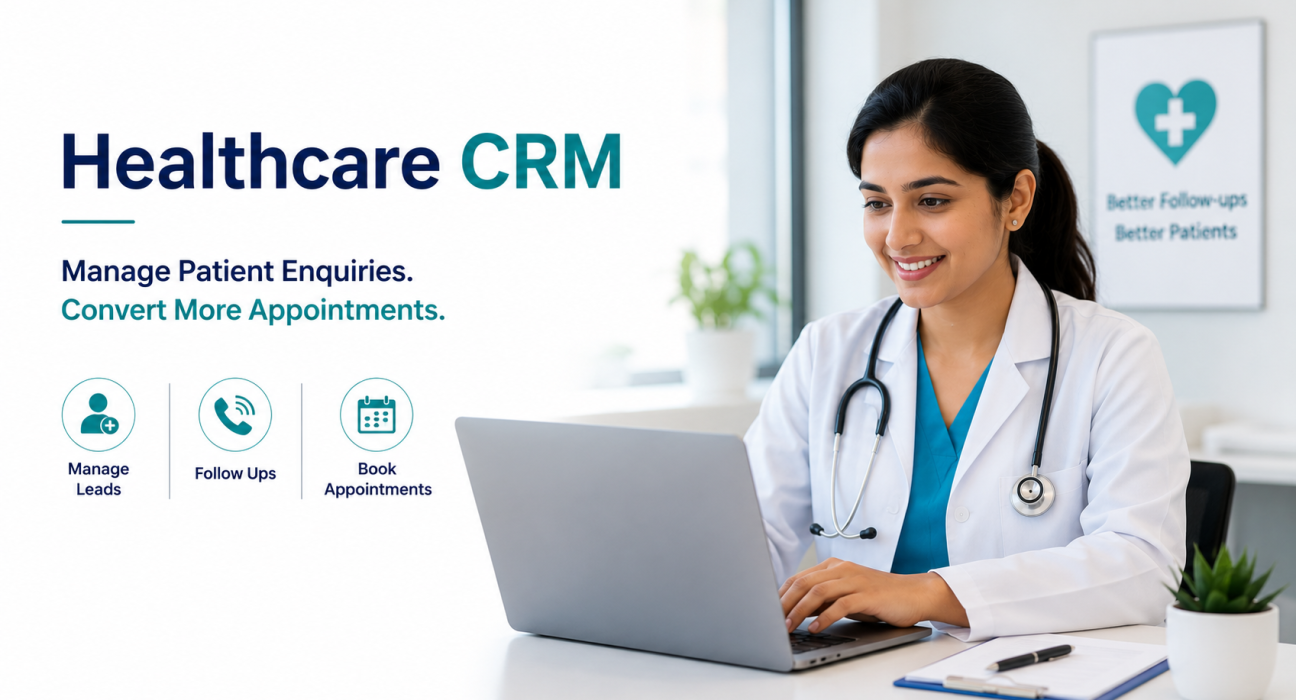
A healthcare CRM is a system that helps medical businesses manage patient enquiries from first contact to completed treatment. It captures leads from ads, websites and listing portals. It assigns them to front-desk or tele-calling staff, tracks every call and follow-up, and shows management which enquiries turned into appointments and revenue.
Unlike a generic sales CRM, a healthcare CRM follows the patient journey – enquiry, contact, appointment, consultation, and treatment – rather than a generic sales pipeline.
It differs from an Electronic Health Record (EHR) or Hospital Information System (HIS) too. An EHR stores clinical records, prescriptions and medical history. A healthcare CRM focuses on the front end instead: enquiry handling, appointment booking, and follow-up. It handles the commercial and communication side of running a healthcare practice, not the clinical side.
Why Healthcare Businesses Need This Kind of System
Most clinics, hospitals and diagnostic centres already get a steady stream of enquiries. The problem rarely lies in lead volume – it’s what happens after the enquiry lands.
Common patterns that cost healthcare businesses patients:
- Enquiries sit in a spreadsheet or a WhatsApp inbox, and nobody owns following up on them.
- Calls happen late. A patient who shows interest at 10 AM but gets a call at 4 PM has often already booked elsewhere or lost interest.
- No-shows go unfollowed. Staff rarely call back a patient who misses an appointment slot to reschedule.
- Front-desk staff have no history. When a patient calls again, whoever answers doesn’t know what the team discussed earlier.
- Management lacks visibility. Nobody can easily see how many enquiries actually convert into paying patients, or which source — Google Ads, a listing site, referrals – brings the best patients.
A healthcare CRM addresses each of these problems. It centralises enquiries, prompts timely calls, and records every interaction against the patient.
How a Healthcare CRM Works
At a practical level, a healthcare CRM follows the same enquiry through a few stages:
- Capture – An enquiry comes in from a website form, a Google Ads lead form, a listing site, or a phone call, and the system logs it automatically.
- Assign – The system routes the enquiry to a front-desk executive or tele-calling agent, often automatically and without manual sorting.
- Contact – The agent calls the patient, ideally within minutes of the enquiry arriving, while interest is still high.
- Track – The agent logs the outcome of the call – interested, needs a callback, not reachable – and sets a reminder for the next follow-up.
- Convert – The lead moves through stages such as Contacted, Appointment Scheduled, Visited or Consulted, Treatment Planned, and Converted, so the whole team can see where every patient stands.
This structure means nothing depends on one person’s memory. If an agent takes leave, another team member can see exactly where a patient enquiry stands and pick it up.
Who Should Use a Healthcare CRM
A healthcare CRM helps any medical business that needs to convert enquiries into booked appointments through a phone conversation. This typically includes:
| Business type | Common use case |
|---|---|
| Clinics and multi-speciality hospitals | Converting website and ad enquiries into consultation bookings |
| Dental and cosmetic practices | Nurturing higher-value treatment enquiries through consultation and quotation |
| Diagnostic and pathology labs | Converting test enquiries into bookings and calling back no-shows |
| Wellness and fertility centres | Managing longer enquiry-to-treatment cycles with multiple touchpoints |
| Multi-branch healthcare chains | Giving management one view across several locations |
Solo practitioners with very low enquiry volume may not need one right away. But once a practice runs paid ads or receives more than a handful of daily enquiries, manual tracking stops being reliable.
Key Features That Matter for Healthcare Teams
Not every CRM feature matters equally for a healthcare business. These tend to make the biggest difference.
Fast Lead Capture From Multiple Sources
Website forms, Google Ads lead forms and listing sites should feed enquiries into the system automatically. Nobody should have to copy numbers from an inbox by hand.
A Pipeline Built Around the Patient Journey
Generic sales stages like “Qualified” or “Negotiation” don’t map to healthcare. Stages such as New Enquiry, Contacted, Appointment Scheduled, Visited/Consulted, Treatment Planned and Converted reflect how a patient actually moves through the process.
Auto-Dialing for Faster Response Times
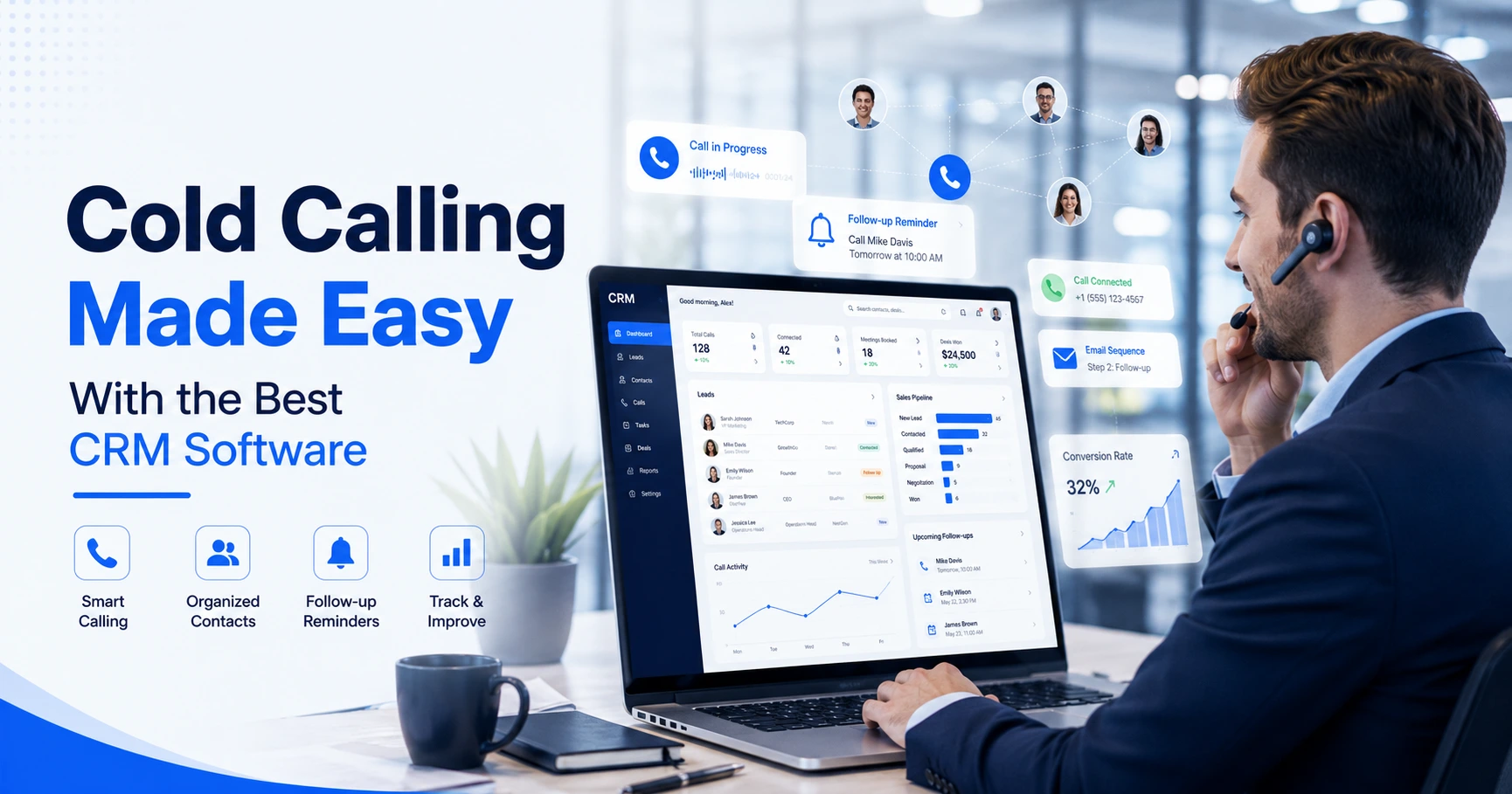
Speed-to-call is one of the biggest factors in whether a patient books. A dialer that queues enquiries and rings them automatically helps agents respond within minutes instead of hours.
Follow-Up Reminders
Missed appointments and patients who said “let me think about it” need a scheduled callback. Staff shouldn’t have to rely on memory to catch them.
Custom Fields Relevant to Healthcare
Fields like treatment or service required, department, preferred date, insurance details, age and lead source let staff capture information that actually matters for a medical enquiry, rather than generic sales fields.
Data Privacy and Access Control
Patient information is sensitive. Encryption and role-based access matter more here than in most other industries, since staff should only see what’s relevant to their role.
Reporting on Source and Conversion
Knowing which channel – Google Ads, a listing site, referrals – brings enquiries that actually convert helps a practice spend its marketing budget more sensibly.
A Realistic Example
Consider a multi-branch diagnostic lab running Google Ads for health check-up packages. Before adopting a structured system, enquiries from the ad landed in one staff member’s inbox. Calls sometimes went out a day later, if at all.
After centralizing enquiries, the system assigns each new lead to the nearest branch’s front-desk agent automatically, and prompts the agent to call within minutes. Enquiries move through stages – New Enquiry, Contacted, Appointment Scheduled – so branch managers can see at a glance how many of this week’s enquiries have actually booked a test, and how many still need a follow-up call. This is a hypothetical scenario used only to illustrate how the workflow typically plays out; results will vary by practice, source quality and team discipline.
Common Mistakes to Avoid
- Treating every enquiry the same way. A patient asking about a routine check-up and one asking about a specialized procedure need different follow-up urgency and messaging.
- Not tracking the source of each enquiry. Without this, a practice can’t know which marketing spend actually brings in patients.
- Ignoring no-shows. A missed appointment isn’t a lost patient – it usually just needs a rescheduling call.
- Overloading front-desk staff with tools. If the CRM adds extra manual work instead of removing it, staff will fall back on WhatsApp and spreadsheets.
- Skipping data access controls. Giving every staff member access to every patient’s full history is unnecessary and raises privacy risk.
How TeleCalling CRM Supports Healthcare Teams
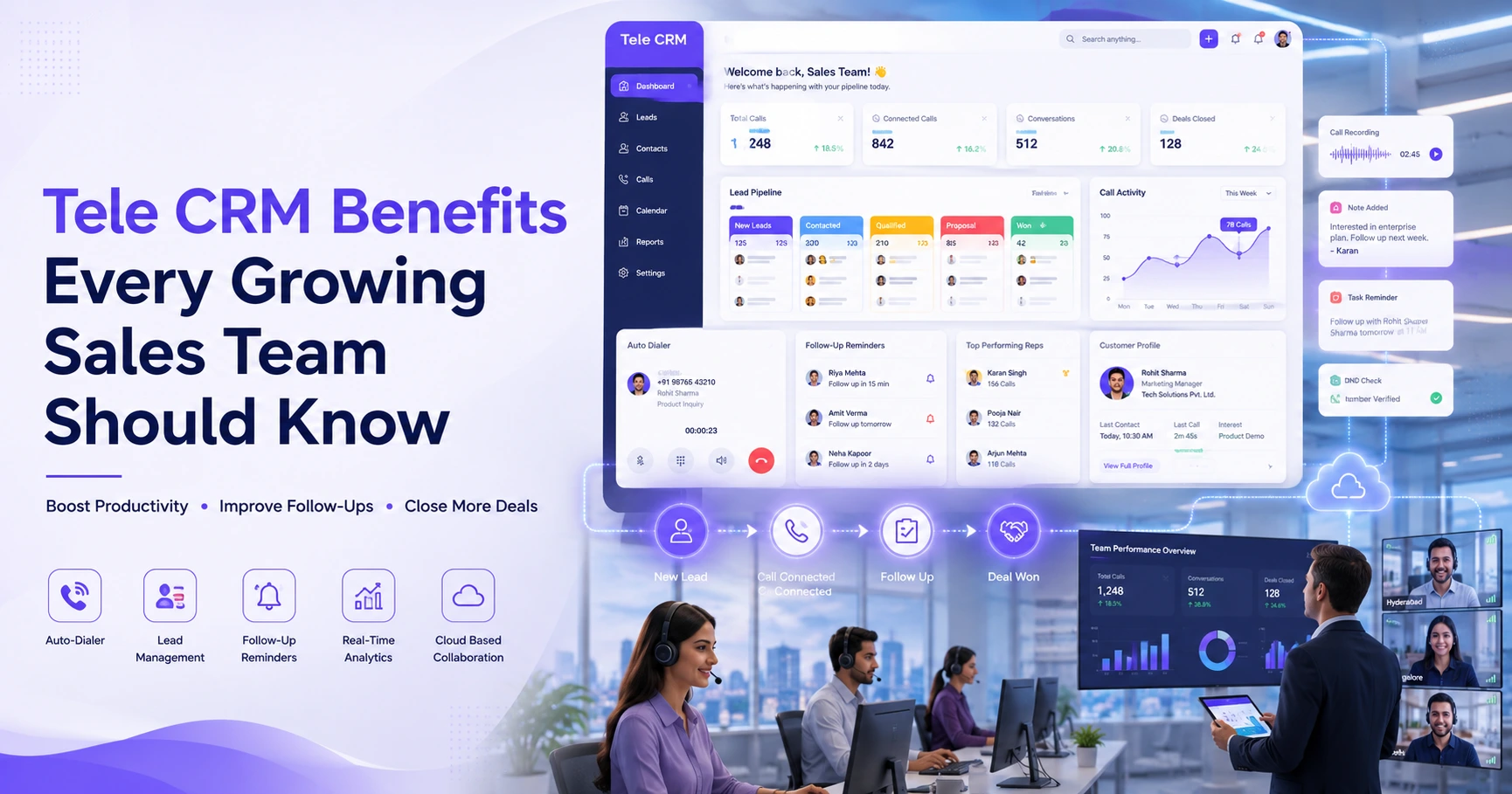
TeleCalling CRM’s healthcare CRM is built around this exact workflow. It uses a pipeline with healthcare-specific stages – New Enquiry, Contacted, Appointment Scheduled, Visited/Consulted, Treatment Planned, Converted and Lost – along with lead fields such as treatment or service, department, preferred date, insurance, age, city and lead source.
Enquiries from website forms, Google Ads and listing-site webhooks flow in automatically. The system deduplicates them and assigns them to an agent. The auto dialer queues each new lead so agents can call while interest is fresh, and it skips DNC numbers automatically. Follow-up reminders help make sure a patient who needs a callback – or a no-show who needs rescheduling – doesn’t get missed. The platform encrypts patient data at rest and in transit, with role-based access so staff see only what’s relevant to them.
This is one option among several in the market. Healthcare businesses should evaluate any CRM against their own volume, team size and workflow before choosing one.
Frequently Asked Questions
What is the difference between a healthcare CRM and an EHR? An EHR (Electronic Health Record) stores clinical data – diagnoses, prescriptions, treatment history. A healthcare CRM manages the enquiry and appointment side: capturing leads, calling patients, tracking follow-ups and reporting on conversions. The two serve different purposes and often work alongside each other.
Can a healthcare CRM handle appointment scheduling? Most healthcare CRMs include pipeline stages for appointment scheduling and consultation, with reminders for no-shows. It works as a lead-to-appointment tracking system rather than a full booking calendar in every case, so check this against your specific workflow.
Is patient data safe in a healthcare CRM? Reputable healthcare CRMs encrypt data at rest and in transit, and use role-based access control so only relevant staff can view specific patient information. Always confirm a vendor’s data security practices before onboarding.
How is a healthcare CRM different from a generic sales CRM? A generic CRM handles broad sales pipelines like “Qualified” or “Proposal Sent.” A healthcare CRM uses stages and fields specific to patient enquiries – such as treatment type, department and preferred appointment date – which better reflect how medical enquiries actually progress.
Do small clinics need a CRM, or is it only for hospitals? Any healthcare business handling more than a handful of daily enquiries benefits from tracking them in one place. Small clinics running even a modest ad budget often see calls slip through the cracks without a system to prompt follow-ups.
Can a healthcare CRM capture leads automatically from Google Ads or a website? Yes. Most healthcare CRMs integrate with website contact forms and ad platforms, so enquiries get captured without manual data entry. Exact integrations vary by provider, so confirm which sources you need are supported.
What features should I check before choosing a healthcare CRM? Look for a patient-journey-based pipeline, fast lead capture from your actual lead sources, follow-up reminders, data privacy controls, and reporting that shows conversion by source. Avoid tools that add manual work rather than reducing it.
Conclusion
Most practices lose patient enquiries not because demand is low, but because follow-up is inconsistent. A Healthcare CRM captures enquiries automatically, prompts timely calls, and tracks every follow-up to improve consistency.
Whether a clinic, hospital, diagnostic lab or wellness Centre formalizes this with dedicated telecalling software or a simpler process, the underlying principle stays the same: every patient enquiry deserves a fast, tracked, and accountable response.