CRM with WhatsApp Integration: What Indian Businesses Really Need in 2026
A telecaller finishes a call, and the lead doesn’t pick up. Someone on the team then sends a quick WhatsApp message from their personal phone to follow up. A week later, nobody remembers who replied, what the team promised, or whether the lead is even still warm. This is one of the most common gaps in Indian sales teams today: calling and WhatsApp messaging happen in two different places, with no shared record between them.
A CRM with WhatsApp integration closes exactly this gap. Instead of switching between a phone, a personal WhatsApp account, and a spreadsheet, the team works from one system that holds calls, lead details, and WhatsApp follow-ups together. Indian businesses that run outbound calling as their main sales channel — real estate, education, insurance, recruitment, and financial services among them — increasingly treat this as a basic requirement, not a nice-to-have. Many teams already using telecalling software for calling and lead management look to add WhatsApp as the next channel, rather than adopting yet another standalone app.
What Is a CRM with WhatsApp Integration?
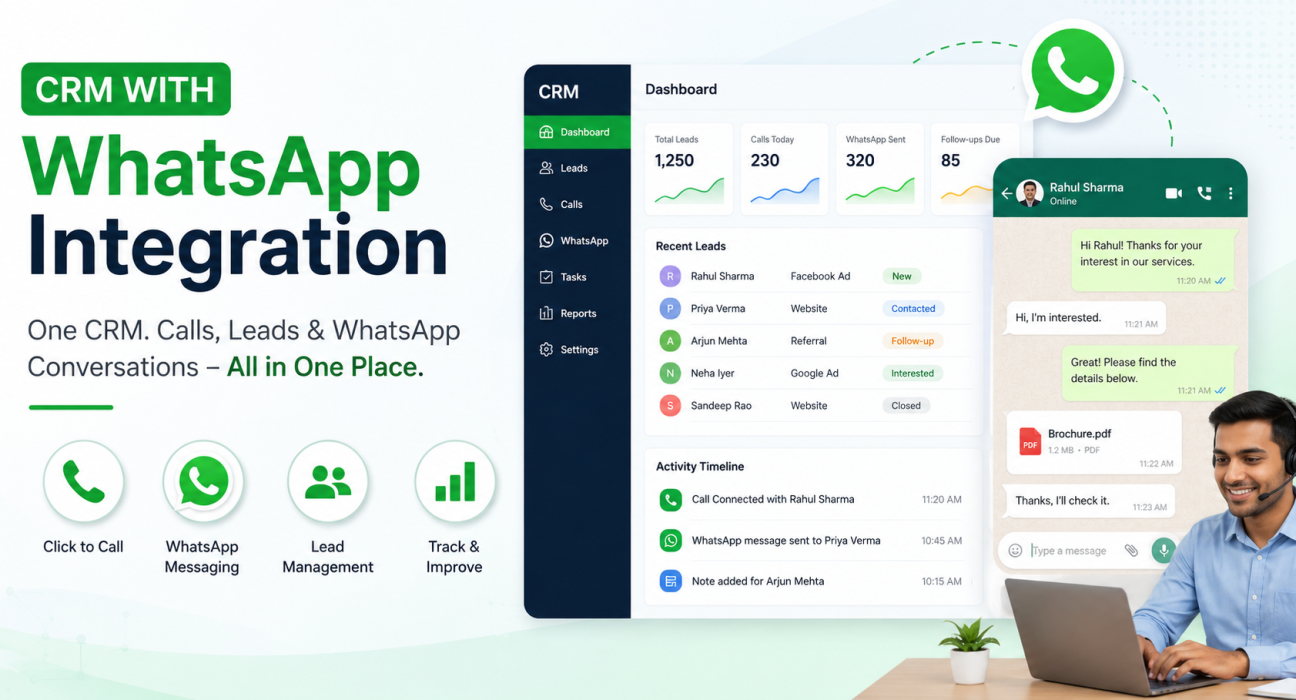
A CRM with WhatsApp integration is a customer relationship management system that lets a sales or support team send and receive WhatsApp messages from the same platform where they manage leads, calls, and follow-ups. Agents message a lead without switching to a separate WhatsApp Business app, and the system logs that conversation against the lead’s record automatically.
In practice, this usually means one or more of the following:
- Sending pre-approved WhatsApp template messages (a follow-up or appointment reminder, for example) to a lead with one click
- Viewing WhatsApp conversation history alongside call logs and notes for that lead
- Combining WhatsApp with SMS and email in a single “inbox” view
- Scheduling or bulk-sending messages to a list of leads at once
Why This Matters More for Indian Businesses
WhatsApp is the default messaging app for most customers in India. Leads often reply there even when they don’t pick up a call. A few things make WhatsApp integration especially useful for Indian sales teams.
Leads don’t always answer calls, but they read WhatsApp. A missed call followed by a WhatsApp message with the same information — a brochure, a quote, a callback slot — keeps the lead engaged without another dial attempt.
Follow-up ownership gets lost without a shared record. When agents send WhatsApp messages from personal numbers, a manager cannot see what was said. Handing a lead to another agent becomes messy.
Compliance is a real constraint, not a footnote. The Telecom Regulatory Authority of India (TRAI) governs outbound calling and messaging through its rules on Unsolicited Commercial Communication and the DND registry. Bulk messaging generally needs DLT (Distributed Ledger Technology) registration for headers and templates. A CRM that stores consent records, call history, and message templates makes compliance far easier to demonstrate. (Source: TRAI – Unsolicited Commercial Communication)
WhatsApp itself sets rules on business messaging. Meta’s WhatsApp Business Platform requires businesses to use pre-approved templates for the first outreach and to hold a documented opt-in from the customer before sending commercial messages. This rule applies to any tool sending business WhatsApp messages, not just CRMs. (Source: Meta for Developers – Getting opt-in for WhatsApp)
How WhatsApp Integration in a CRM Actually Works
“WhatsApp integration” isn’t one single thing. The underlying setup differs by tool.
- Template-based messaging from the CRM. The CRM stores approved message templates — for example, “Thanks for your enquiry, here are the details you asked for.” An agent taps once to send one, and the system logs it against that lead automatically.
- Unified inbox. WhatsApp replies, SMS, and email land in one conversation thread per lead. Nobody needs to check three apps to see the full history.
- Bulk and scheduled sending. A manager can schedule a template for a filtered list — everyone tagged “quote sent, no response in 3 days,” for instance — instead of messaging leads one by one.
- Number ownership. In some setups, messages go out from the agent’s own WhatsApp number. In others, the business connects a dedicated number through Meta’s WhatsApp Business Platform via an approved provider. This choice affects setup time, cost, and how conversations get billed.
What to Look For: A Practical Checklist
Before choosing a CRM with WhatsApp integration, check it against how the team actually works day to day, not just a features list.
| What to check | Why it matters |
|---|---|
| Does WhatsApp messaging log automatically against the lead record? | Prevents follow-ups getting lost when an agent is on leave or leaves the company |
| Can messages go out in bulk to a filtered/tagged list? | Saves time on routine follow-ups (quote sent, demo scheduled, etc.) |
| Are calling and WhatsApp messaging available in the same view? | Reduces app-switching, which is where most follow-up delay happens |
| Does it support call + WhatsApp + SMS + email in one thread? | Gives a complete picture of every touchpoint with a lead |
| Does it offer DLT/compliance support for bulk SMS and calling hours? | Reduces regulatory risk for high-volume outbound teams |
| Can agents use it from a mobile app, not just desktop? | Telecallers and field sales staff need to follow up outside the office |
| Does pricing scale reasonably as the team grows? | Per-agent pricing can get expensive quickly for larger telecalling teams |
Businesses evaluating lead follow-up software should weigh each row against their own team size and call volume, rather than picking a tool for one standout feature.
Real-World Examples (Illustrative)
These are hypothetical scenarios based on common patterns across industries, not case studies of specific companies.
- Real estate: A site-visit enquiry comes in from a property portal. The telecaller calls to qualify the lead, and if there’s no answer, a WhatsApp template with the project brochure goes out right away. When the lead replies days later asking about pricing, the assigned agent can see the full call and message history before responding.
- Education: An admissions team handles enquiries from a landing page. Calls confirm interest, and WhatsApp reminders go out closer to counselling session dates. Since the CRM logs every message, a counsellor can hand over a lead to a colleague without losing context.
- Insurance and lending: Agents often send policy or loan document links after a call. A WhatsApp template with the document link, tied to the lead record, avoids the compliance grey area of sending sensitive information from a personal number.
- Recruitment: Recruiters calling candidates for open roles use WhatsApp to share job descriptions after an initial screening call. The CRM tracks which candidates have responded and which still need a follow-up call.
Benefits of Combining CRM and WhatsApp
- Faster response to leads who don’t answer calls but check WhatsApp regularly
- One record per lead instead of scattered notes across phones and apps
- Easier handovers between agents, since conversation history doesn’t live on a personal number
- Better follow-up discipline, since managers can see overdue leads and pending replies
- Lower compliance risk, since the system stores templates and consent records centrally
Common Mistakes to Avoid
- Treating WhatsApp as a replacement for calling rather than a complementary channel. Pricing negotiation and objection handling are usually still faster over a call.
- Sending unsolicited bulk WhatsApp messages without proper opt-in. This risks Meta restricting the business number.
- Ignoring DLT and template approval requirements. This can delay campaigns or block messages outright.
- Choosing a tool for its WhatsApp features alone, while ignoring whether it actually improves calling, lead assignment, and reporting — the core of most Indian sales teams’ daily work.
- Skipping training on the unified inbox. Agents then keep using personal WhatsApp out of habit, and the integration never delivers its benefit.
How TeleCallingCRM Fits Into This
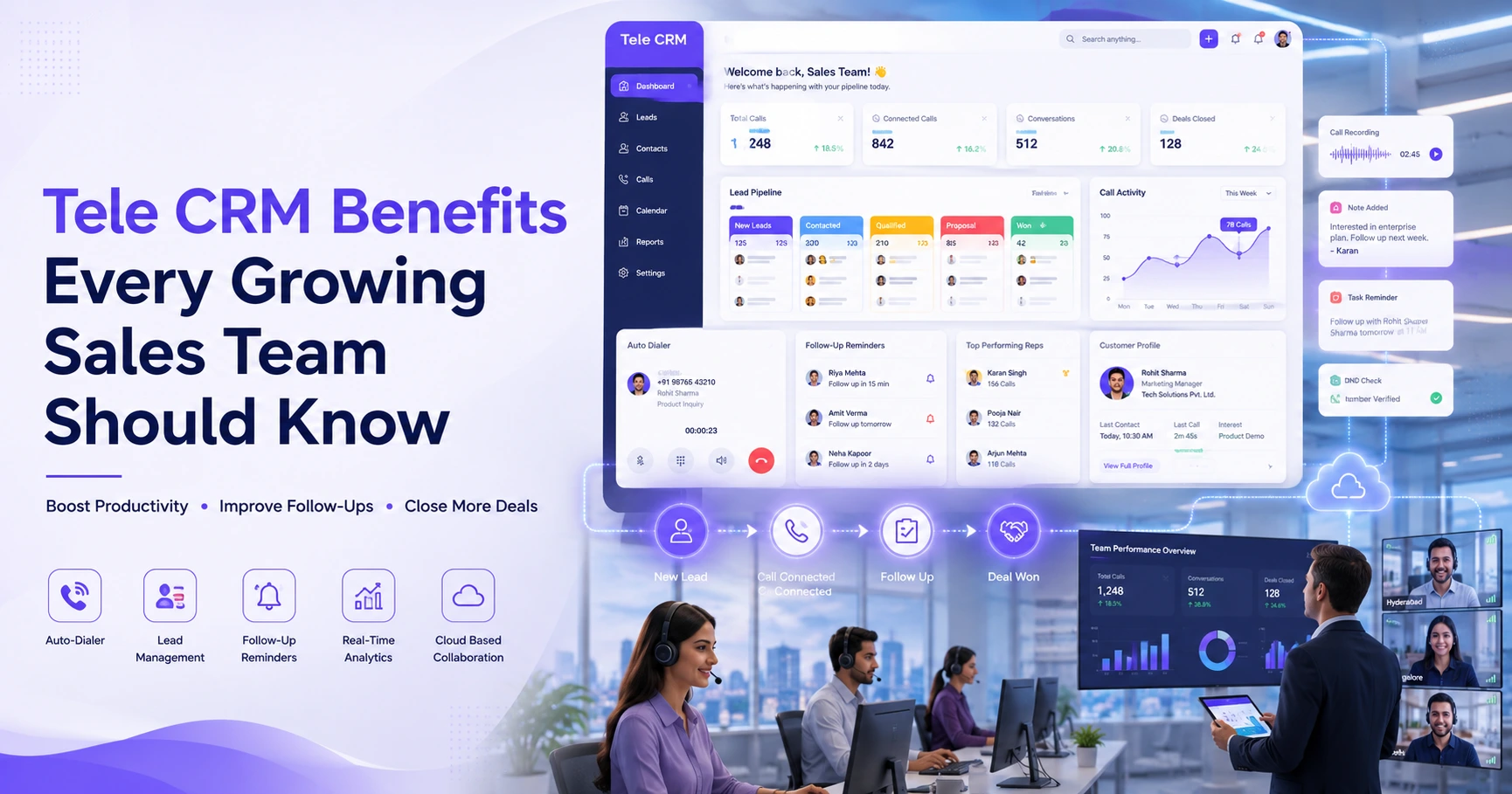
TeleCallingCRM centres on outbound calling for Indian sales teams, with WhatsApp integration as one part of a wider lead management and follow-up system rather than a standalone messaging tool. Agents can send WhatsApp template messages to leads directly, and the platform brings SMS and email into the same unified inbox, so a lead’s entire conversation history sits alongside their call records and notes.
Alongside messaging, it offers an auto dialer, lead assignment and de-duplication, DND screening, follow-up scheduling with overdue alerts, and reporting on call and response rates — the kind of sales calling software Indian telecalling teams typically need, with WhatsApp as an added channel rather than a separate system to manage. It’s worth checking current feature and pricing details directly, since plans and capabilities can change over time.
Frequently Asked Questions
What is the difference between the WhatsApp Business app and a CRM with WhatsApp integration?
The WhatsApp Business app is a standalone messaging app tied to one device or number. A CRM with WhatsApp integration connects messaging to lead records, call history, and team workflows instead. Conversations no longer sit on one person’s phone; managers can track, assign, and report on them.
Do I need the WhatsApp Business API to use a CRM with WhatsApp integration?
It depends on the CRM. Some tools send template messages from the agent’s own WhatsApp number. Others need a dedicated number through Meta’s WhatsApp Business Platform via an approved provider. Check which model a specific CRM uses before assuming it includes API-level features like chatbots or multi-agent handoff.
Is it legal to send bulk WhatsApp messages to leads in India?
Businesses need a documented opt-in before sending commercial WhatsApp messages, per Meta’s own business messaging policy. Separately, TRAI’s rules on Unsolicited Commercial Communication and DND registration govern telemarketing calls and SMS. Both sets of rules apply regardless of which CRM a business uses.
Can a telecaller CRM replace WhatsApp entirely?
No. Most CRMs integrate with WhatsApp rather than replace it. The CRM manages leads, calls, and follow-up scheduling. WhatsApp stays the messaging channel, and the integration simply brings the two together in one view.
What size of team actually needs this kind of integration?
Any team making regular outbound calls and follow-ups benefits, even a 5-person telecalling team. Logging calls and WhatsApp messages in one place saves real time. The value grows with team size, since manual tracking across personal phones gets harder to manage as headcount grows.
Does WhatsApp integration help with lead follow-up specifically?
Yes. The system logs WhatsApp messages against the lead, so a manager can spot which leads still need a follow-up. Scheduled or automated template messages also cut the chance of a lead going cold just because nobody answered a call.
What should a small business check before buying a CRM with WhatsApp integration?
Look beyond the WhatsApp features first. Check whether the CRM actually supports the team’s core workflow: lead import, call handling, assignment rules, and reporting. Then check whether pricing stays reasonable as the team grows, since some tools charge per agent in ways that add up fast.
Conclusion
A CRM with WhatsApp integration works best as one part of a bigger system for managing leads and calls, not as an isolated messaging feature. Indian businesses running outbound sales — in real estate, education, insurance, recruitment, or B2B sales — get the real value from having calls, WhatsApp messages, and follow-up status in one place, with compliance built into the process rather than bolted on afterward. Teams comparing options for CRM for telecallers should weigh WhatsApp integration alongside calling, lead assignment, and reporting together. A tool that messages well but manages leads poorly won’t solve the underlying problem.