Insurance sales depend heavily on timely conversations. A prospect may enquire about a policy today, ask for a quote tomorrow and need several follow-ups before making a decision. Existing customers also need reminders when policies approach renewal.
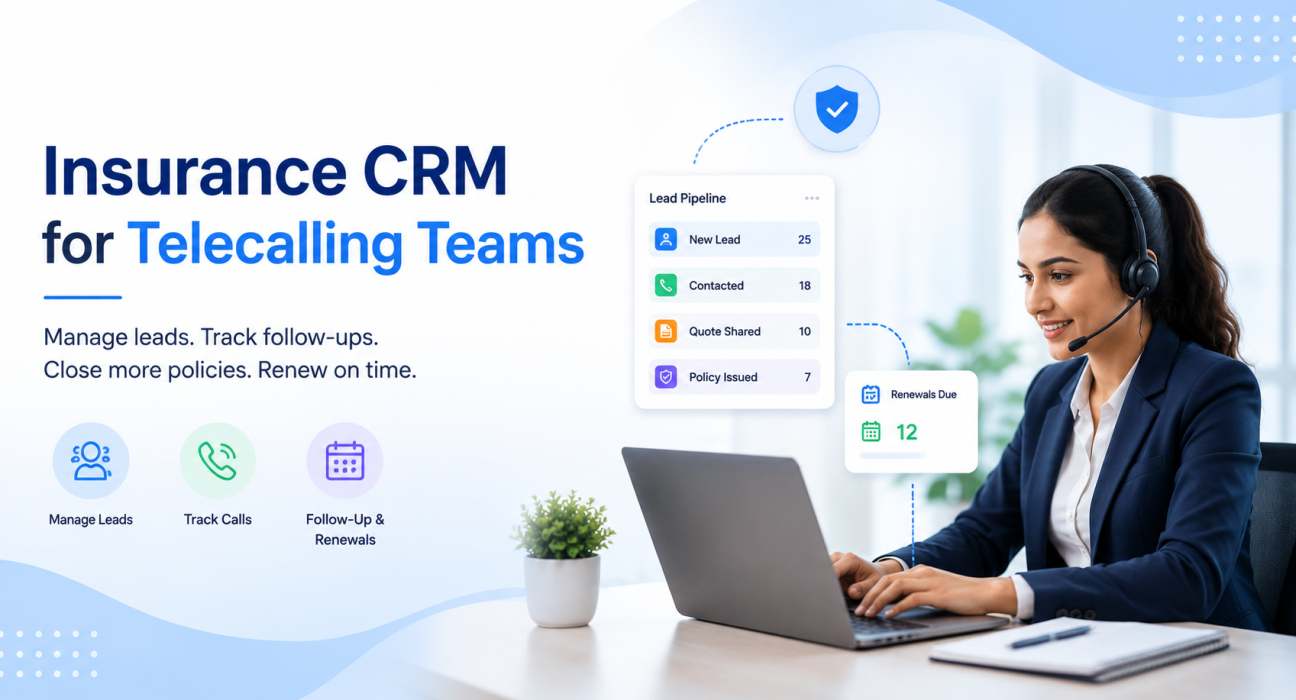
When these activities are managed through spreadsheets, personal phone records or scattered messages, it becomes difficult to know which lead needs attention next. An Insurance CRM brings lead information, calling activity, follow-ups and sales progress into a structured workflow. For teams that depend on regular outbound calls, a dedicated Insurance CRM for telecalling teams can make the process easier to organize and monitor.
What Is an Insurance CRM?
An Insurance CRM is software that helps insurance agents, brokers and sales teams manage prospects, customers, policy-related information, sales activities and follow-ups from a central system.
Unlike a basic contact database, an Insurance CRM is designed around the insurance sales journey. A typical workflow can include:
New Lead → Needs Assessment → Quote Shared → Follow-Up → Policy Issued → Renewal Due → Lapsed/Lost
For telecalling teams, the CRM also connects this sales journey with calling activity. Instead of asking agents to maintain separate lists of people to call, the system can organize assigned leads and upcoming follow-ups in one place.
TeleCalling CRM’s insurance solution, for example, supports insurance-specific pipeline stages and fields such as policy type, sum assured, premium, age, existing policy, renewal date and lead source.
Why Insurance Teams Need Better Lead Management
Insurance businesses can receive enquiries from several sources, including websites, advertising campaigns, portals, referrals and manually collected leads. The challenge starts when these leads are handled separately.
A sales manager may not know whether a lead was contacted, while an agent may forget when the next follow-up is due. The same customer may also appear multiple times in different spreadsheets.
A structured Insurance CRM helps address these problems by creating a common workflow for the team.
1. Centralize Insurance Leads
Instead of keeping leads in multiple spreadsheets, a CRM can bring them into a central pipeline.
This makes it easier to see:
- New enquiries
- Assigned agents
- Contact status
- Policy interest
- Quote status
- Upcoming follow-ups
- Closed and lost opportunities
TeleCalling CRM’s insurance platform states that leads from ads, portals and websites can be brought into one place, deduplicated and auto-assigned to insurance agents.
2. Make Follow-Ups More Consistent
Insurance sales rarely happen after a single conversation. A prospect may need time to compare plans, discuss the policy with family members or provide documents.
This makes follow-up management especially important.
An Insurance CRM can help agents record the outcome of each conversation and schedule the next action. Instead of relying on memory, the agent can work from a list of pending callbacks.
For example:
Monday: Customer asks for a health insurance quote.
Tuesday: Quote is shared.
Thursday: Agent follows up.
Next week: Customer requests clarification.
Following week: Agent completes another follow-up.
The CRM provides a record of this journey instead of leaving it inside individual phone notes.
How a Telecalling CRM Works for Insurance Teams
A telecalling-focused CRM combines traditional CRM functions with calling workflows.
A typical process looks like this:
Step 1: Capture or Import Leads
Insurance leads can come from websites, campaigns, portals, referrals or CSV files. The first step is to bring them into a common database.
Step 2: Assign Leads
Leads can then be distributed among agents or telecallers. Proper assignment prevents two agents from unknowingly working on the same prospect.
Step 3: Call the Lead
The telecaller works through the assigned lead queue and contacts prospects. A calling-focused system can reduce the manual effort involved in selecting the next number to call.
Step 4: Record the Outcome
After the conversation, the agent records what happened. For example:
- Interested
- Quote requested
- Quote shared
- Call back later
- Not interested
- Policy issued
- Renewal follow-up required
Step 5: Schedule the Next Follow-Up
If the prospect is not ready to purchase, the agent schedules another action instead of closing the lead prematurely.
Step 6: Track the Pipeline
Managers can review leads by stage and identify where opportunities are progressing or getting stuck.
TeleCalling CRM describes this workflow for insurance teams as connecting leads, calling and tracking outcomes, and then monitoring pipeline, conversions and revenue.
Key Features to Look for in an Insurance CRM
Not every CRM is equally suitable for insurance telecalling. When evaluating software, businesses should look beyond a simple contact database.
Lead Management
The system should make it easy to capture, organize, assign and track insurance enquiries.
Calling and Call Tracking
For teams that make a high volume of calls, calling should be closely connected to the lead record. Call outcomes and activity history can provide managers with better visibility into the sales process.
Follow-Up Scheduling
The CRM should allow agents to record the next action and avoid leaving potential customers without a planned follow-up.
Insurance-Specific Fields
Useful fields may include:
- Policy type
- Premium
- Sum assured
- Existing policy
- Renewal date
- Lead source
- Customer age
- Policy stage
The exact fields required will depend on the organization’s products and sales process.
Sales Pipeline
A visual pipeline helps managers understand how many prospects are at each stage, from enquiry to policy issuance and renewal.
Team Monitoring and Reporting
Managers need visibility into agent activity, calls, pipeline movement and sales outcomes. Reporting can help identify workload issues and opportunities for process improvement.
Mobile Access
Insurance agents may work from offices, branches or the field. Mobile access can make it easier to continue managing calls and follow-ups while away from a desktop.
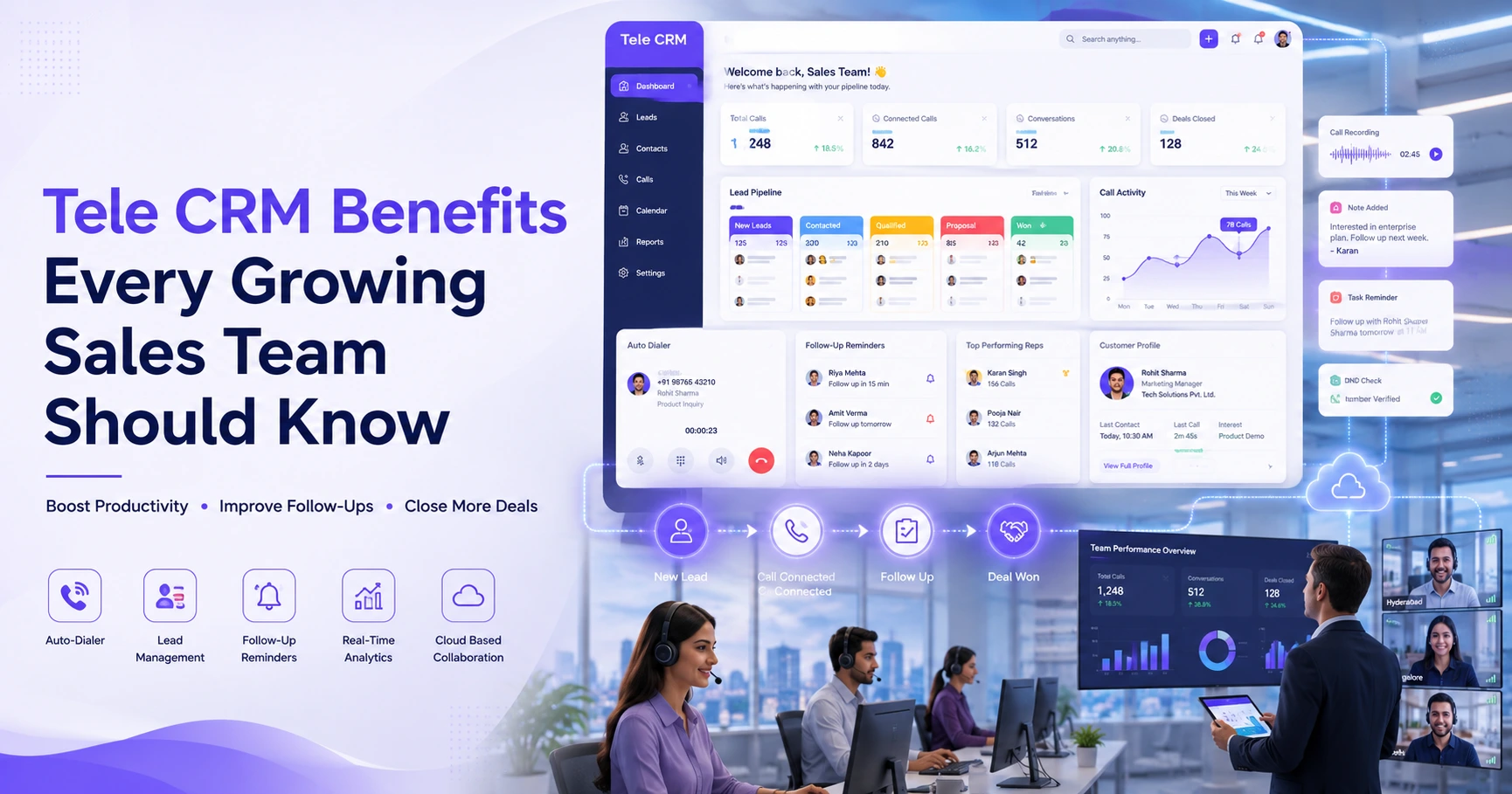
TeleCalling CRM currently lists auto-dialing, lead management, sales pipeline, follow-ups, messaging, team analytics and mobile applications among its platform capabilities.
Insurance CRM for Policy Renewals
Renewals deserve special attention because the customer relationship does not necessarily end when a policy is issued.
An insurance team may need to contact customers before a renewal date, answer questions, discuss available options and complete the required process.
A CRM can store the renewal date with the customer or policy record and create follow-up tasks around it.
For example:
| Customer Stage | CRM Action |
|---|---|
| New enquiry | Assign lead to agent |
| Needs assessment | Record customer requirements |
| Quote shared | Schedule follow-up |
| Policy issued | Store policy-related information |
| Renewal approaching | Create reminder |
| Renewal discussion | Record call outcome |
| Renewed | Move to completed stage |
TeleCalling CRM’s insurance workflow specifically includes a Renewal Due stage and allows renewal dates to be stored so teams can schedule follow-ups before a policy lapses.
How an Insurance CRM Helps Managers
An Insurance CRM is not only for telecallers. Sales managers also benefit from having a shared view of team activity.
Instead of asking individual agents for updates, managers can review the pipeline and activity data in one place.
This can help answer questions such as:
- How many new leads arrived today?
- Which leads have not been contacted?
- Which prospects are waiting for a follow-up?
- How many quotes have been shared?
- Which policies are close to issuance?
- Which renewals are approaching?
- Which agents have pending follow-ups?
- Where are leads being lost?
TeleCalling CRM’s platform includes real-time team analytics and a live war-room view designed to show agent activity and sales information.
Insurance CRM vs Spreadsheet: What Is the Difference?
Spreadsheets can work for a small number of leads, but they become harder to manage as the volume and number of agents increase.
| Area | Spreadsheet | Insurance CRM |
|---|---|---|
| Lead assignment | Usually manual | Structured assignment |
| Call history | Often separate | Connected to lead activity |
| Follow-ups | Manual reminders | Scheduled workflow |
| Pipeline | Basic columns | Dedicated stages |
| Team visibility | Limited | Centralized |
| Renewal tracking | Manual | Date-based follow-ups |
| Reporting | Often requires manual work | Dashboard-based |
The goal is not simply to replace Excel. The bigger objective is to create a repeatable process where every lead has an owner, every conversation has an outcome and every important follow-up has a next action.
Common Mistakes to Avoid
Even with CRM software, poor processes can reduce its value.
Using the CRM Only as a Contact List
If agents only save names and numbers, the team loses much of the benefit. Call outcomes, requirements, stages and next actions should also be recorded.
Not Defining Pipeline Stages
A pipeline should reflect the actual insurance sales process. Too many stages can create confusion, while too few stages can hide important differences between prospects.
Ignoring Renewal Dates
For renewal-driven insurance businesses, renewal information should be treated as an important part of customer management rather than an optional field.
Failing to Review Follow-Up Performance
Managers should regularly check pending follow-ups and ageing leads. A lead sitting untouched for weeks may indicate a process problem.
Ignoring Calling Compliance
Insurance telecalling involves regulatory considerations. IRDAI has issued requirements covering distance marketing and insurance solicitation, while TRAI regulates commercial communications and customer preferences. Businesses should ensure their calling practices, scripts, consent processes and communication methods follow the latest applicable requirements.
How TeleCalling CRM Can Help Insurance Teams
TeleCalling CRM provides an insurance-specific workflow covering lead capture, calling, pipeline management and renewal follow-ups. Its insurance page also provides fields and stages designed around common insurance sales activities.
For teams already using telecalling as a major part of their sales process, the advantage is having calling activity and lead management within the same workflow rather than treating them as separate tasks.
The platform also lists features such as a smart auto dialer, lead distribution, call outcomes, follow-up scheduling, sales pipeline, messaging and analytics.
Businesses should still evaluate any CRM against their own requirements, including team size, product mix, calling process, data requirements, compliance needs and reporting expectations.
Frequently Asked Questions
What is an Insurance CRM?
An Insurance CRM is software used to manage insurance prospects, customers, sales activities, policy-related information and follow-ups. It gives agents and managers a central place to track the customer journey from initial enquiry through policy sales and renewal.
How does a CRM help insurance agents?
A CRM helps agents organize leads, record customer interactions, schedule follow-ups and monitor sales stages. Instead of maintaining separate notes or spreadsheets, agents can work from a structured list of leads and upcoming actions.
Can an Insurance CRM track policy renewals?
Yes, an Insurance CRM can track renewal dates when the system supports policy or renewal fields and follow-up scheduling. This allows agents to identify upcoming renewals and plan customer communication in advance.
Is a telecalling CRM useful for insurance brokers?
Yes. Brokers and agencies that depend on outbound calls can use a telecalling CRM to organize prospects, assign leads, track conversations, manage follow-ups and monitor pipeline activity across agents.
What should I look for in insurance lead management software?
Look for lead capture, assignment, calling or call tracking, follow-up scheduling, pipeline management, reporting, mobile access and fields relevant to insurance. Also consider security, compliance requirements and how easily the system fits your existing sales process.
Can insurance agents use a CRM on mobile?
Some CRM platforms provide mobile applications for agents. TeleCalling CRM states that its insurance solution supports Android and iOS access for calling, outcome logging and follow-ups.
Does an Insurance CRM replace insurance agents?
No. A CRM is a management and productivity tool. Agents still need to understand customer requirements, explain products accurately, handle questions and follow the applicable insurance and communication rules.
Conclusion
Insurance sales depend on consistent lead management and timely customer communication. When enquiries, calls, quotes and renewal dates are spread across different tools, it becomes harder for agents and managers to maintain a reliable process.
An Insurance CRM brings these activities into one organized workflow. For telecalling teams, the right system can connect lead assignment, calling, follow-ups, pipeline tracking and renewal management while giving managers better visibility into team activity.
Businesses looking for a calling-focused solution can explore Insurance CRM software for telecalling teams and compare its capabilities with their own sales and renewal workflow before making a decision.